Transform office printing with just-in-time inventory
Just-in-time inventory replaces bulk print supply orders with smaller, demand-triggered replenishments, keeping only what your office needs for near-term use. Businesses that adopt this model reduce storage costs, cut waste from obsolete stock, and bring real discipline to procurement.
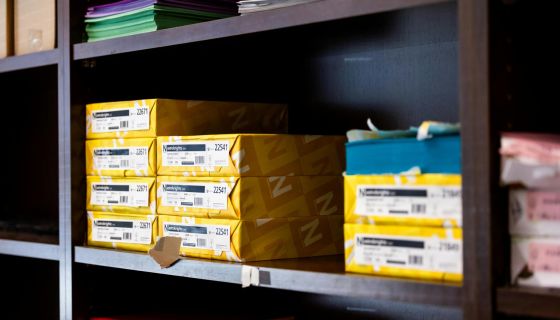
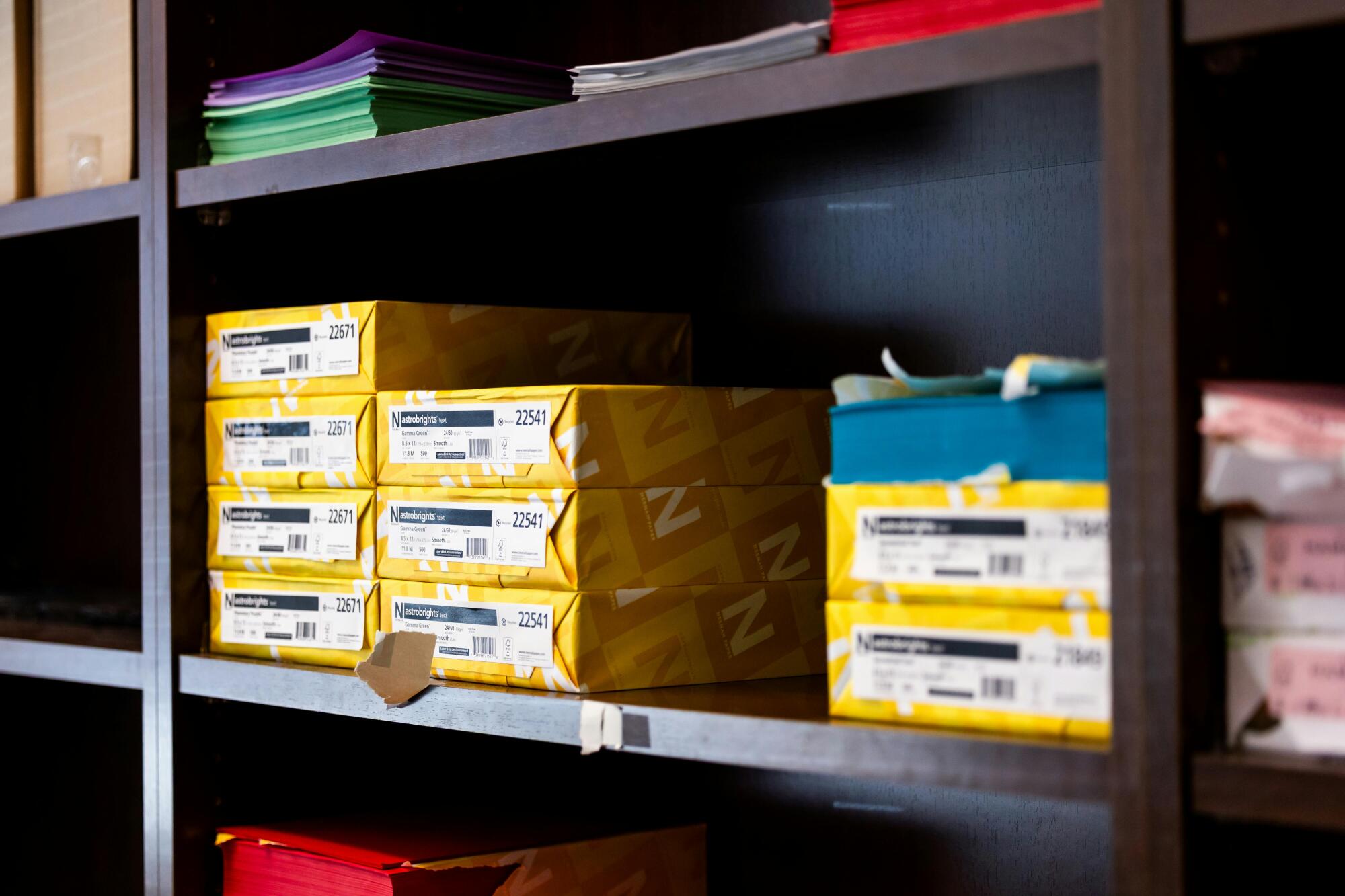
Walk into almost any office supply room, and you’ll find it: toner cartridges for printers no longer in use, specialty paper left over from a campaign that ended two quarters ago, and a supply budget that keeps climbing without explanation. The cost of carrying excess print inventory adds up quickly, and most teams don’t catch it until the waste is already done.
This article walks you through a practical system to fix that, step by step.
What Changes When You Shift to Just-in-Time Printing?
Printing industry trends from Grand View Research show that more offices are stepping back from large, one-time bulk orders. Office supply chain management now centers on smaller, more frequent purchases tied to real usage data.
You track what each printer and department actually uses over time, then set a trigger point for reordering.
Here are some supply types that usually move to tighter ordering cycles:
- Departments order paper and envelopes based on actual usage data
- Printers track toner and drum levels to signal reorders automatically
- Teams order specialty forms and labels only when demand calls for them
- Staff order branded campaign materials closer to each project date
Why Is Just-in-Time Inventory a Smart Move for Your Office?
Just-in-time stock ties up less of your budget in supplies that sit on shelves for months. Your office ends up with fewer write-offs from outdated toner or obsolete branded materials.
Storage space opens up fairly quickly, and your team spends less time managing stock that never moves. Here are some additional advantages worth knowing:
- Teams can forecast print budgets for each quarter more accurately
- Smaller deliveries mean less unpacking and handling work for staff
- Offices can switch to updated products faster without wasting old stock
- Consistent reorder triggers make supply shortages less likely during projects
How Do You Put a Just-in-Time System in Place?
Start with a full count of every print-related supply your office uses. You rank items by how often your office actually uses them and how long suppliers take to deliver.
Inventory management software can connect to your printers and flag when stock hits a reorder point. Partnering with an HP Branded everything, serviced focused supplier gives you access to reliable, short-lead-time deliveries that keep efficient printing processes on track.
Your Next Step Toward Leaner Print Management
Adopting just-in-time inventory for office printing comes down to one core principle: order based on what you actually use, not what you think you might need. By setting consumption-driven reorder points, coordinating with reliable vendors, and reviewing stock levels on a regular schedule, your office can reduce waste, recover storage space, and simplify procurement without disrupting daily operations.
For more strategies to optimize your print environment and manage supplies more efficiently, visit our website, where you’ll find guides, tools, and expert advice built for real office challenges.